HomeToolsResourcesPricingWhy EDC Get the App
Projects
1Appointment and RequirementsThe owner says what they need; the team says how it will deliverOwner Requirements and BIM PlanResponsibility MatrixProject Stage and GatesDelivery Register MIDP / TIDPOne Project Team ISO 19650-2 · 5.1–5.4Assessment, Need, Tender and Appointment
2Design and ModelModel, drawings and quantities from one sourceIFC Model in the BrowserDrawings and Shop DrawingsQuantities from the ModelClashes Between DisciplinesDesign Review and RevisionsLevel of Information Need LOIN ISO 19650-2 · 5.5–5.6Mobilisation and Collaborative Production
3Common Data EnvironmentEvery file has a state and a revision; nobody works on an old copyFile States in the CDETransmittals and RevisionsISO 19650 File NamingConsultant Approvals WIR / MIR / NCR / RFI ISO 19650-1 · 12The Common Data Environment Workflow
4Construction on SiteThe site solves its problems fast, all on the model elementSmart Site Problem SolvingDaily Report and ManpowerInspection Requests WIR / MIRConcrete Pours and CubesAttendance and Crews on SiteTime and Cost 4D / 5D ISO 19650-2 · 5.6Producing Information on Site
5HandoverThe building is handed over with all its dataSnags and HandoverCOBie Inside the ModelHandover Pack and Asset Model ISO 19650-2 · 5.7–5.8Model Delivery and Project Close-Out
6Asset Management and OperationAfter handover: maintenance and operation from the same dataMaintenance and Work OrdersDigital Twin and EnergyLessons Learned on Site ISO 19650-3The Operational Phase of Assets
Digital TwinSuppliers
Academy
DIGITAL
COMPANY
- NEWEDC V10 Now AvailableEnhanced Drawing Studio and AI Design tools
- UPDATEAdditional 12 Engineering CommandsNew tools in Infrastructure and MEP sections
- ACADEMYNew Course: BIM for ConstructionNow available in the Academy
The CompleteEngineering Platform
From concept to operation.
All tools, data, people and workflows in one place.
- 1,098Engineering Commands
- 55Engineering Sections
- 6Main Categories
- End-to-EndProject Lifecycle
Solve Engineering Problems with AI
- 1UploadPhoto, drawing or describe the issue
- 2AnalyzeAI insights and solutions
- 3ResolveTask, RFI or NCR and follow up
EDCPlatform Overview1:28
Request an EDC Account
Join the EDC community and get access to engineering tools, data and resources.
- 1Account Type and Basic Information
- 2Additional Details
- 3Review Request
- 4Submission
Explore EDC Through Short Videos
Discover key features and workflows before requesting your account.
Engineering Workspaces
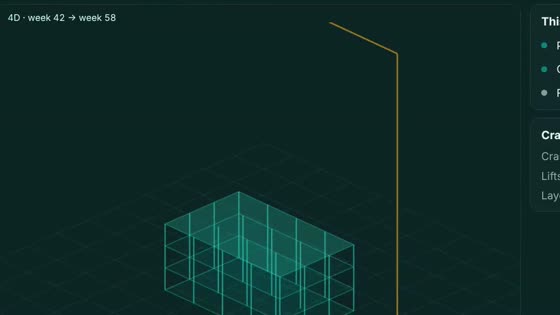
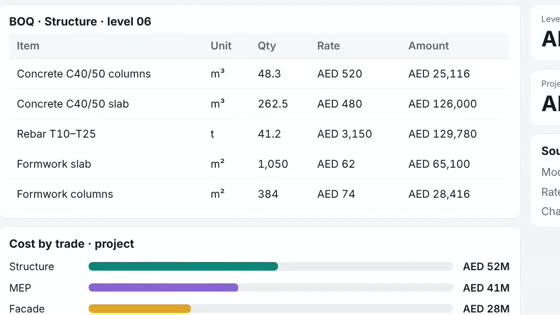
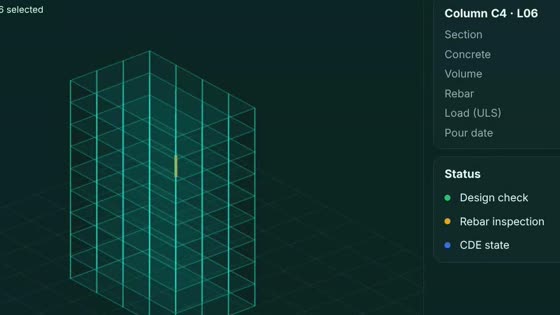
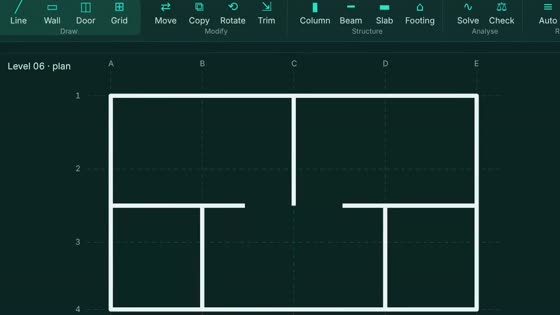
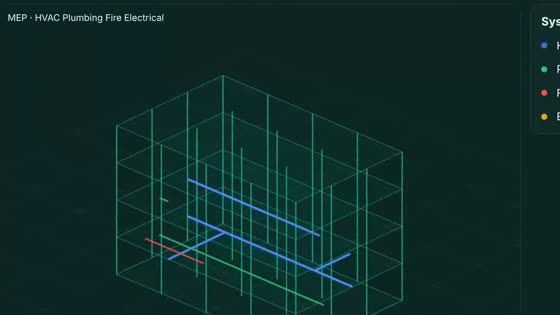
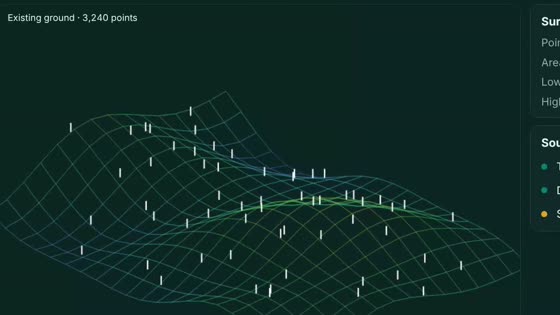
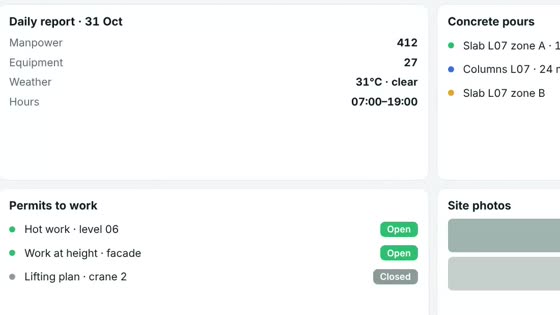
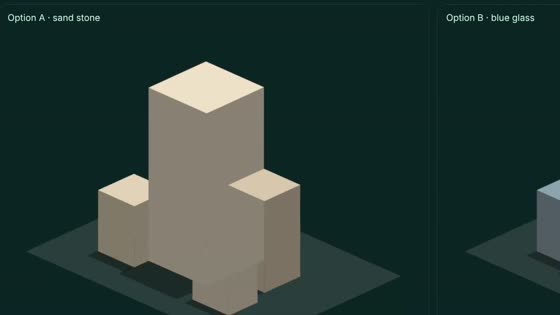
Project Lifecycle in EDC
Follow a project from start to finish with integrated tools and workflows.